

Appointment software · QuiroHiro

The AI receptionist inside QuiroHiro: calls, WhatsApp and the diary

QuiroHiro is the practice management platform of our own group, and CAi works inside it natively. Every call, WhatsApp message and booking lands in the same diary and the same patient record, with nothing to connect in between. Up and running in about 20 days.

Native · same platform

  • One diary, one record
  • WhatsApp on the patient’s record
  • New patients in the CRM
  • Reminders from the same place

Who it’s for

One platform for the diary, the patients and the messages

QuiroHiro covers the diary, patient records, CRM, invoicing, WhatsApp and marketing automation. It was built alongside HeyCAi, by the same team, on the same data model.

It suits any health clinic: physiotherapy, osteopathy, chiropractic, podiatry or another specialty. It makes most sense if you want everything in one place, or if you are choosing software from scratch.

Who uses it
  • Clinics in the QuiroAds ecosystem
Specialties
  • Any health specialty
Connection
  • Native
  • Same platform
  • Same data
Includes
  • Diary
  • CRM
  • WhatsApp
  • Invoicing

PracticeHub Sync

On PracticeHub? QuiroHiro is where the sync lives

If your clinic runs on PracticeHub, the diary stays there. PracticeHub Sync runs inside QuiroHiro: it brings each patient across and keeps them up to date, so WhatsApp and CAi work from what your front desk sees.

What it brings in from PracticeHub

  • Speed Syncs every 30 seconds.
  • History Brings in each patient’s whole appointment history, not just the last and the next.
  • Care plans Sees each patient’s care plans and packages.
  • Families Sorts out duplicates: family members who share a mobile, and people with the same email or phone number.

What QuiroHiro does with it

  • With PracticeHub’s data in QuiroHiro, reminders and the messages for each step of the patient journey go out on WhatsApp, and you choose which.
  • You can pick out the patients who haven’t been in for 3 to 6 months, by the date of their last visit, and send them a message to bring them back.
  • CAi learns from your clinic: the last 6 months of WhatsApp conversations, your protocols, your tone and your cancellation policy.
How CAi works with PracticeHub

Step by step

From a WhatsApp message to a first visit, without leaving QuiroHiro

A new patient writes on a Sunday evening. In QuiroHiro, the conversation, the contact and the booking end up on the same record.

An example conversation
CAi online

Carmen: Hi! Do you have anything this week for lower back pain? I’ve never been before.

CAi: Hi Carmen, thanks for writing. For a first visit there’s Wednesday at 6 pm with Daniel or Thursday at 10 am with Laura. Which works?

Carmen: Wednesday at 6 is perfect.

CAi: Booked: first visit on Wednesday at 6 pm with Daniel. Bring any scans or reports you have.

QuiroHiro Wednesday

Daniel

  • 16:00 Follow-up
  • 17:00 Follow-up
  • 18:00 C. Ortiz · first visit Booked by CAi

Laura

  • 16:00 Free
  • 17:00 Review
  • 18:00 Group class
An example conversation · QuiroHiro
  1. Answers on WhatsApp

    CAi replies straight away, at any hour, from the clinic’s own WhatsApp.

  2. Creates the contact

    The new patient appears in QuiroHiro’s CRM with their name, phone and the reason they wrote.

  3. Books the first visit

    It offers real openings and books the one the patient picks, in the same diary your team uses.

  4. Keeps the thread

    The whole conversation stays on the patient’s record, so your team can carry on from where CAi left off.

  5. Sets off what comes next

    Confirmation and reminders go out from the same platform. You decide which ones, and when.

All in one place

What lives together in QuiroHiro

There is no sync to watch over: CAi and your team work on the same diary and the same records.

Shared by CAi and your team

  • Every practitioner’s diary
  • Patient records and contacts
  • WhatsApp conversations, on each patient’s record
  • The calls CAi answers, with a short summary
  • Reminders and follow-up messages

Left to your team

  • Clinical notes and treatment decisions
  • Invoices and payments: CAi doesn’t charge patients

Your patients’ data

HeyCAi is the data processor; your clinic is the data controller. We comply with the GDPR and Spain’s data protection law (LOPDGDD).

How we look after patient data
Case study

QuiroBenissa

Osteopathy · Benissa, Alicante, Spain · with CAi since June 2026
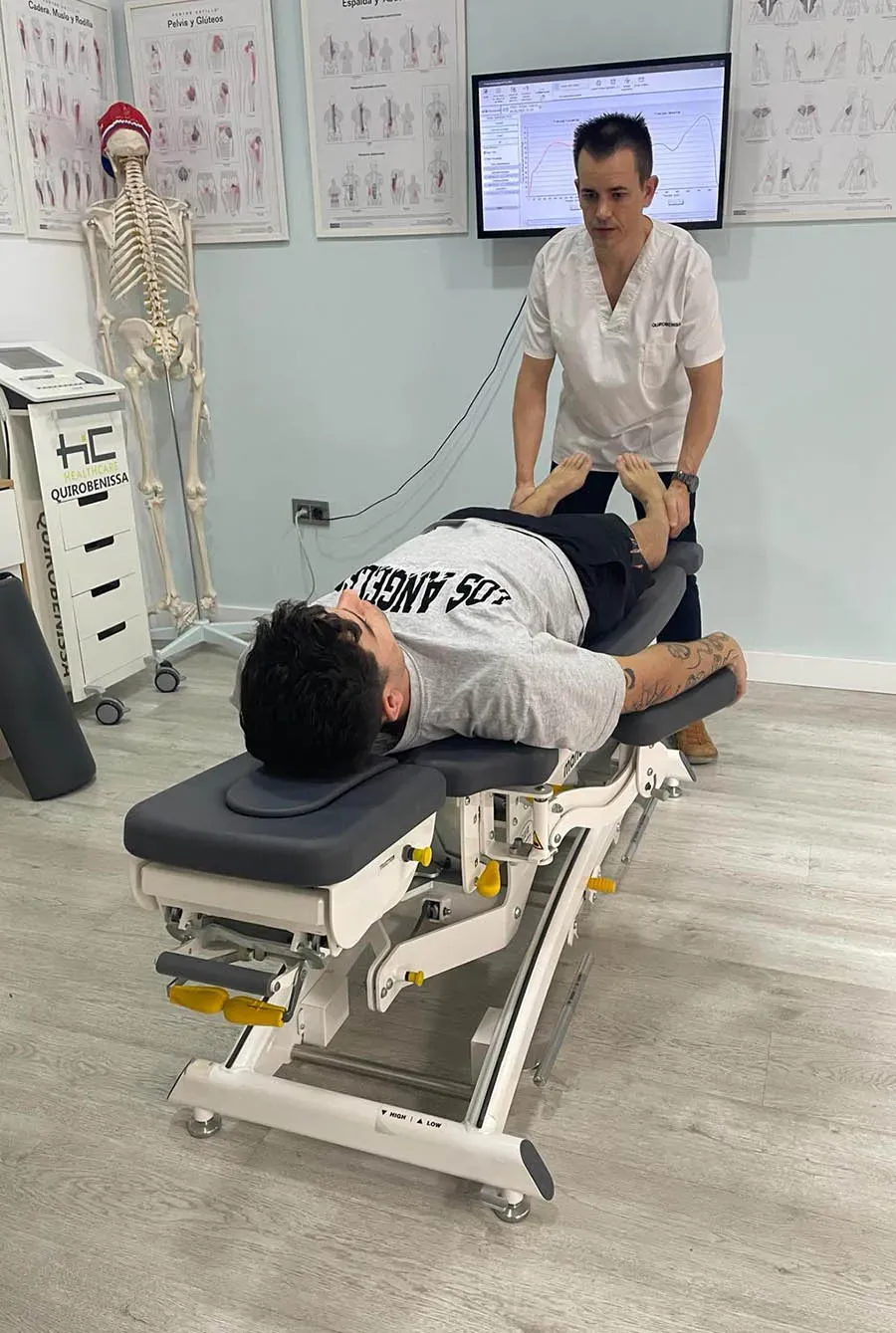
A QuiroBenissa osteopath treating a patient on the couch

QuiroBenissa, an osteopathy clinic, leaves its patients’ messages to CAi. CAi works on its QuiroHiro diary: it books, moves and cancels appointments and confirms attendance.

22 June to 1 November 2026

  • 600+ conversations handled without going through reception
  • 182 appointments booked in its diary (about 500 a year at this rate)
  • ~130 cancellations and reschedules sorted in two months
  • 123 attendance confirmations in a single month

Set-up

Setting up CAi in QuiroHiro

Up and running in about 20 days. Nothing goes live until you have tested it and signed it off.

Josep Lluís Morant Co-founder & Lead Developer What your clinic provides, and who does what, is on the pricing page.
  1. Your clinic in QuiroHiro

    If you already use QuiroHiro, CAi is switched on in your account. If you don’t, we first set up your diary, services and practitioners there with you.

  2. Shadow mode

    CAi listens to real calls and reads real messages without booking anything, and your team checks what it would have done in the diary. Then, tests with real calls.

  3. Live, step by step

    First out of hours, then when the line is busy, then always if you want. You keep your number and choose when calls go to CAi.

Questions

Frequently asked questions

Anything else about your diary, we go through it with you on the video call.

Do I need QuiroHiro to use CAi?

No. CAi also books into PracticeHub, Cliniko, Jane App and Google Calendar. QuiroHiro makes sense if you want the diary, the patient records and WhatsApp in one place, or if you are choosing software from scratch.

My diary is in PracticeHub. Do I have to move to QuiroHiro?

No. Your diary stays in PracticeHub. PracticeHub Sync keeps QuiroHiro up to date with it, so the WhatsApp messages and CAi work from the same patients, history and care plans as your front desk.

What is QuiroHiro?

A practice management platform for clinics: diary, patient records, CRM, invoicing, WhatsApp and marketing automation. It belongs to the same group as HeyCAi and was built by the same team.

Can a physiotherapy or osteopathy clinic use QuiroHiro?

Yes. The name comes from our group’s history: QuiroAds began with chiropractic clinics and has worked with health clinics since 2020. Nothing in the platform is tied to one specialty, and any health clinic can run its diary there.

Where do the WhatsApp conversations end up?

On the patient’s record in QuiroHiro, next to their appointments. Anyone on your team can read what CAi said and carry on the conversation.

I use other software. Should I move to QuiroHiro?

Not necessarily. We look at it with you on the video call: what you use today, what you would bring across and whether moving is worth it for your clinic.

Live demo

Hear CAi answer as your clinic

Enter your clinic’s website and your mobile. CAi reads the site and calls you, as it would answer your patients.

  1. Type your clinic's website and your mobile.
  2. CAi reads your website and gets ready as your reception.
  3. It calls you: answer as if you were a patient.
  • The demo is free: no card, no sign-up, no commitment.
  • Your phone rings in about 30 seconds.

By requesting the demo you agree that we call you on this number and handle your data as set out in our privacy policy. The demo call is recorded and transcribed, and our team reviews it to get back to you.